What are scripts?
This is a code based on Javascript which you can copy in your Adwords account so it can automate tasks for you. These scripts are often run by users to automate repetitive tasks for them and it could run in the background.
The Beauty of Scripts
You have the ability to run them for a Single Account 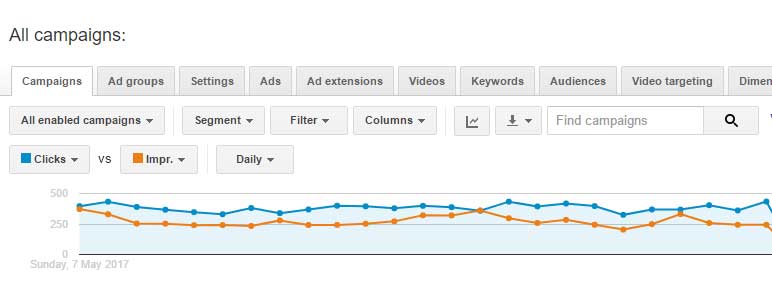 and/or MCC Level (for Adwords managers who have access and managing lots of accounts).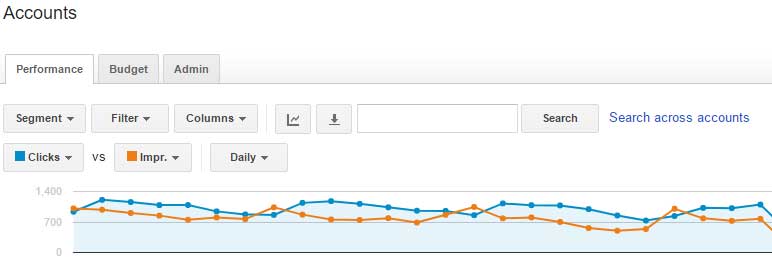
Scripts can help you with the following:
1. Reporting 
Scripts can help you by sending you an email notifying you on certain updates. It’s not making changes though it’s just alerting you an update on a performance report so you don’t need to go manually in your adwords account and extract the report you need.
2. Making changes in your account
You can go next level by using scripts to make changes in your account for you. The changes on your data will based on the instruction and certain conditions you set for it. This is a very powerful feature, so if you’re new into this don’t jump into this feature and start with the reporting script first. So you there won’t be any implications in your account in case you did something wrong with the implementation.
3. Import 3rd party data 
Scripts can also import 3rd party data which you can use into your Adwords account. Same as the first feature, if you’re brand new with scripts, stick with the reporting scripts and familiar yourself first before jumping into the second feature.
Are scripts same as Automated Rules in Adwords?
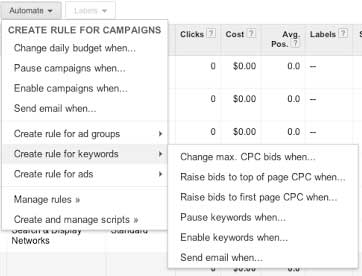
Users may think that the functionalities may be the same for Automated Rules and Scripts. But the huge difference between the two is that scripts can be scheduled to run hourly, daily, weekly, or monthly.
And it SAVES YOU A LOT OF TIME
Here are some two examples that our Agency are using:
First Example. Landing Page checking, the worst mistake you may ever commit in your ads is sending your visitors to 404 Page or a non-existent page in your website. And if this is the case, instead of manually (and repetitively) doing this by checking every final url in your ads you can set your script to check the the final url and send you email notifications if everything is working.
And we set this alert hourly so we could get notified quickly especially when we’re running ads for websites with high traffic. So if in case the website’s server or the landing page itself goes down you’ll be notified quickly so that you can do the appropriate action.
Second Example. Instead of going thru your search term report to look for the search queries, you can automate scripts to send the search queries for you via email so you don’t have to do it manually.
The Best Part of Scripts?
There are websites who shares a lot of free ready to use scripts, so
You don’t need to learn how to code!
The Best Part of Scripts?
Here are the websites that offers bunch of scripts with descriptions of their use which you can use for your Adwords accounts for Free.
If you’re brand new with scripts, we’d recommend you to start with the second link. Since the implementation of the scripts are laid out more clearly and finding a script you need is easier to find there.